Protection status
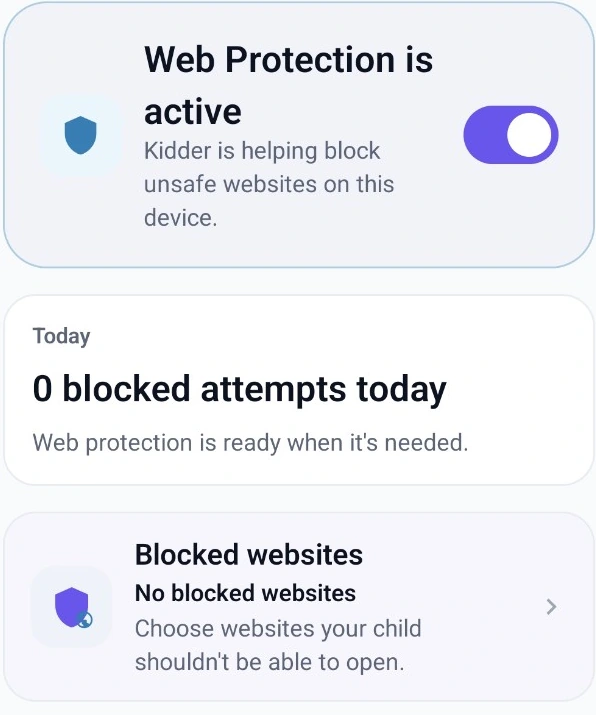
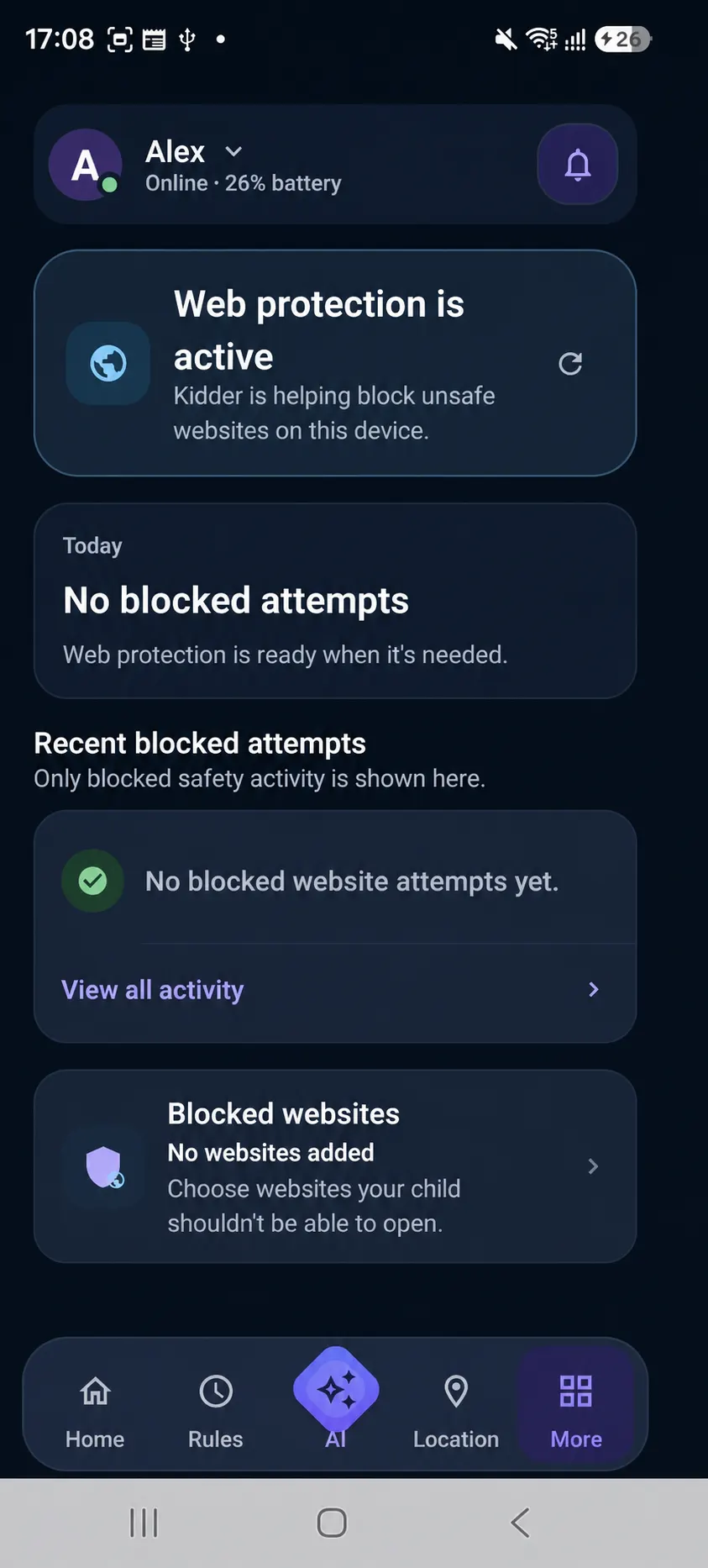
See whether Web protection is active on the connected child device. Protection status is visible in the parent experience so the family knows what is working.
Online protection
Kiddar supports Internet Safety through Web protection, family website rules, Content Safety alerts, and calm protection states—so boundaries can guide exploration without fear-first language.
Safer exploration
Children need room to learn and explore. Parents need choices they can understand.
Web Safety applies the website rules you choose on the child’s Android device and shows whether web protection is active and which blocked attempts were recorded. Content Safety processes limited visible text on the child device and shows privacy-safe alert categories to the parent. Neither reads all browser or app traffic, and neither can guarantee that every harmful site or message is caught.
Web Safety
See whether Web protection is active on the connected child device. Protection status is visible in the parent experience so the family knows what is working.
Use allowed and blocked website rules to shape family expectations around online exploration. Rules are parent-configured and visible in Kiddar.
When a site does not fit a family rule, Kiddar Child can present a calm protection state—helping children understand a boundary without an alarming experience.
Selected blocked-domain events may be visible to the authorized Parent as protection context. This does not imply that Kiddar stores a complete browsing-history archive.
How protection works
Kiddar Web protection uses a network-level approach on the child device. This requires explicit device authorization—including relevant Android permissions and device settings.
Kiddar does not bypass Android consent requirements. Review device considerations before relying on Web protection.
Review protection permissions →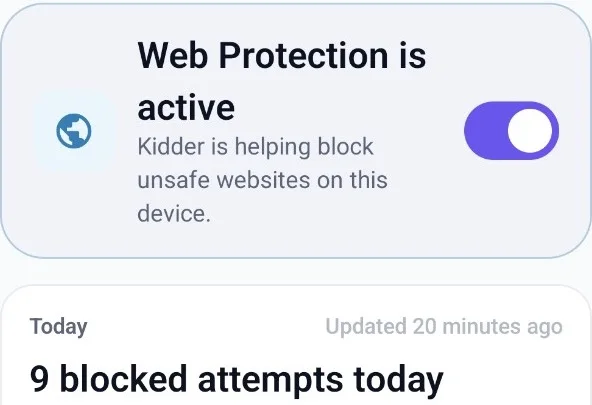
Content Safety
Kiddar Child processes limited visible text locally for Content Safety. The linked parent can review derived safety alerts and categories; raw screen text is not included in alert payloads.
Automated classifications can be mistaken. Review alerts in context, talk with your child, and confirm the permissions for the features you choose to enable.
Kiddar does not promise to detect all harmful content or read every message. Content Safety depends on enabled features and device conditions.
Read the Child Privacy Notice →Content Safety History
Content Safety History is included in the Standard plan. It allows parents to review previously flagged content alerts over time—supporting a richer pattern of awareness rather than a single snapshot. Availability depends on your plan and device conditions.
Review Standard plan →What Kiddar shows
The experience centers on Web protection, website rules, protection states, Content Safety alerts, and clear review cues.
Important limits
Protection depends on supported Android devices, correct setup, relevant permissions, and the family choices available in Kiddar. Kiddar does not inspect all browser or app traffic.
Privacy & transparency
Kiddar is intended for transparent, guardian-led family safety. Families should understand which capabilities are enabled, what access each feature requires, and how the product is used. Review the privacy and transparency principles before setup.
Parent questions
No. Kiddar applies the website rules you configure. It does not automatically block all websites. Protection depends on correctly set up permissions, device conditions, and the rules your family chooses to apply.
Content Safety processes limited visible text locally on the child device and surfaces derived alert categories in the parent experience. It does not read every message or guarantee detection of all harmful content. Alerts should be reviewed in context.
Yes. Automated content classifications can be mistaken. Treat alerts as useful context—not as confirmed evidence—and use them to open a conversation with your child.
Web protection requires specific Android permissions and device settings to remain active. If a relevant permission is removed or changed, protection may be interrupted. Check Protection Health in Kiddar to stay informed.
Kiddar works on supported Android devices. Compatibility can vary by device model and software version. Check the Compatibility page for current requirements before relying on protection features.
Android setup guidance
Review device considerations and each requested access before relying on Web protection. Kiddar is available on Google Play in India. Availability elsewhere may vary.
 Get Kiddar on Google Play