App & Game Controls
Create clear app and game expectations that fit your family rhythm.
Set rules that reflect what your family actually values — not just what an app store recommends. App and Game Controls give parents straightforward tools to shape the digital habits that matter most.
Explore Kiddar
Support for every part of their digital day.
Choose the support your family needs, from everyday routines to online safety and staying connected.
Screen Time
Understand app usage and build a healthier digital balance.
See usage by app, category and time — all in one clear daily view.
App Control
Choose app and category rules that fit your family.
Routines
Make room for school, family time and bedtime.
Web Safety
Guide online exploration with family website rules.
Content Safety
Review safety alerts with care and context.
Family Location
Stay connected and see when location was updated.
Safe Places
Follow useful arrival and departure updates.
Protection Health
Check connection, permissions and protection status.
Features depend on device compatibility, permissions and the applicable plan. Check compatibility
What it does
Rules that reflect your family's actual values.
App and Game Controls let parents set expectations for individual apps and game categories — when they can be used, for how long, and whether they fit into a child's current routine. The goal is not restriction for its own sake, but clarity that children can understand and parents can apply without constant negotiation.
Kiddar applies these rules on the child's Android device, and parents can review and update them from the Kiddar parent app at any time.
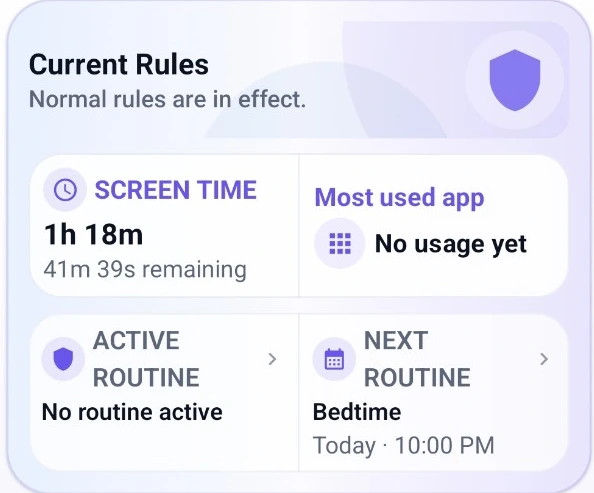
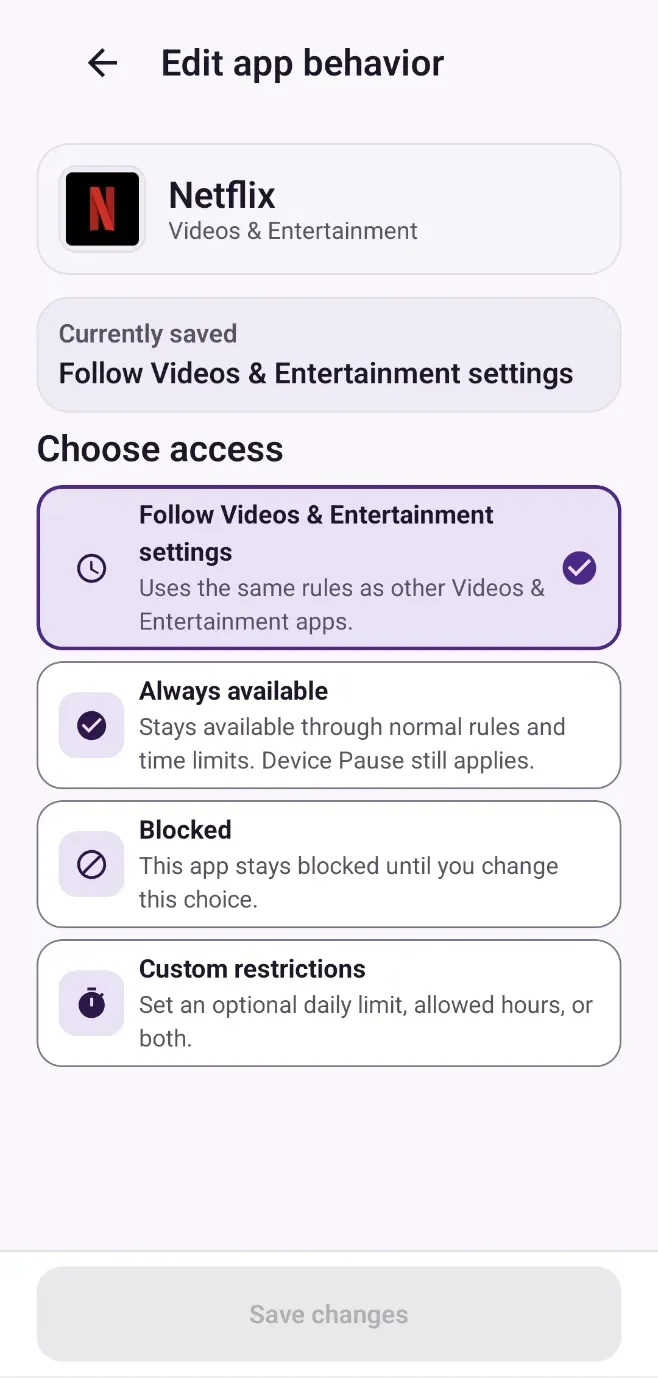
App-level rules
Set expectations for the specific apps your child uses.
Rather than applying a broad filter, Kiddar lets parents set rules for individual apps. That means you can allow some apps freely, limit others to specific time windows, and block apps that are not right for your child at this stage — all in one place.
- Per-app allow, limit, or block settings
- Time-window controls for specific apps
- Rules that apply even inside a free time window
Game category controls
Shape game time around categories, not just titles.
Games are released faster than any parent can review them. Kiddar's category controls let you set rules for game categories — so your approach stays consistent even as the specific apps change. Parents can allow educational games freely while limiting arcade or social games to specific time slots.
- Category-level game rules
- Consistent controls as new apps appear
- Separate limits for different game categories
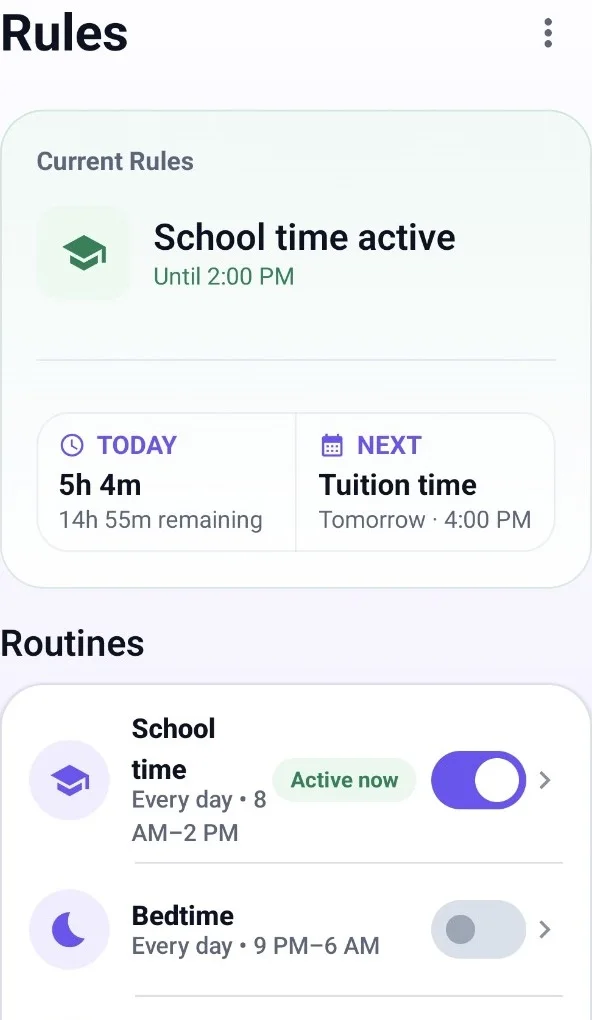
Routines and rules together
Rules that change with the routine.
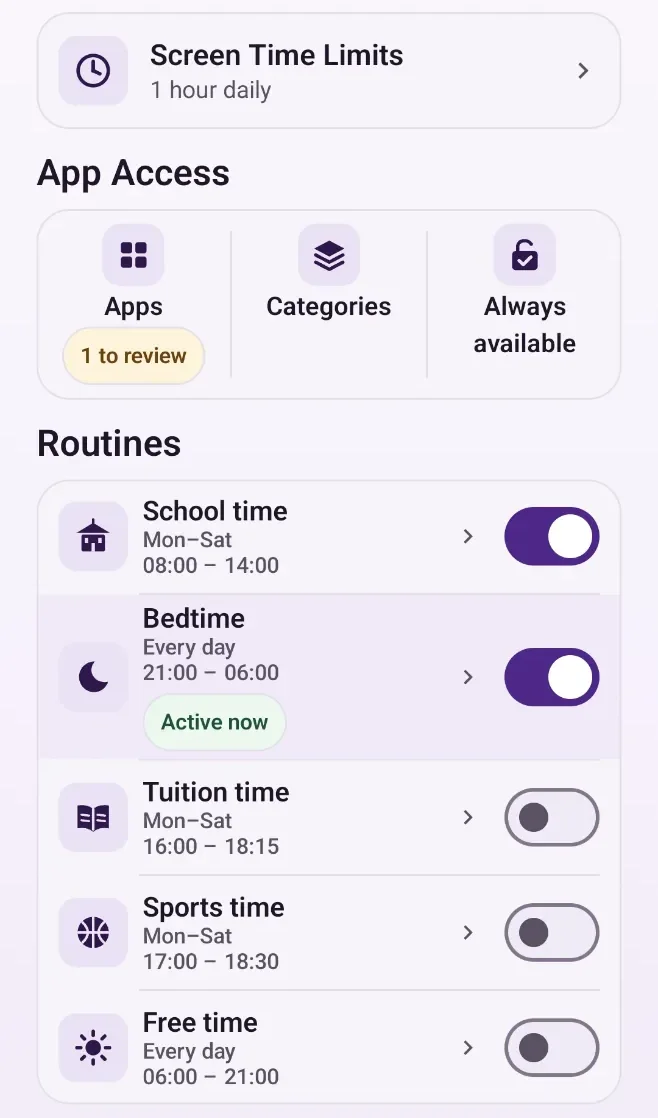
App and game rules work best when they reflect the structure of a child's day. Kiddar's routine-aware rules let parents set different expectations for School Time, free time, and bedtime — so the same child can have focused learning time and relaxed game time, within the same day, without manual switching.
- Rules that follow School Time and routine schedules
- Separate app access for different parts of the day
- Bedtime and focused rules that activate automatically
Screen Time context
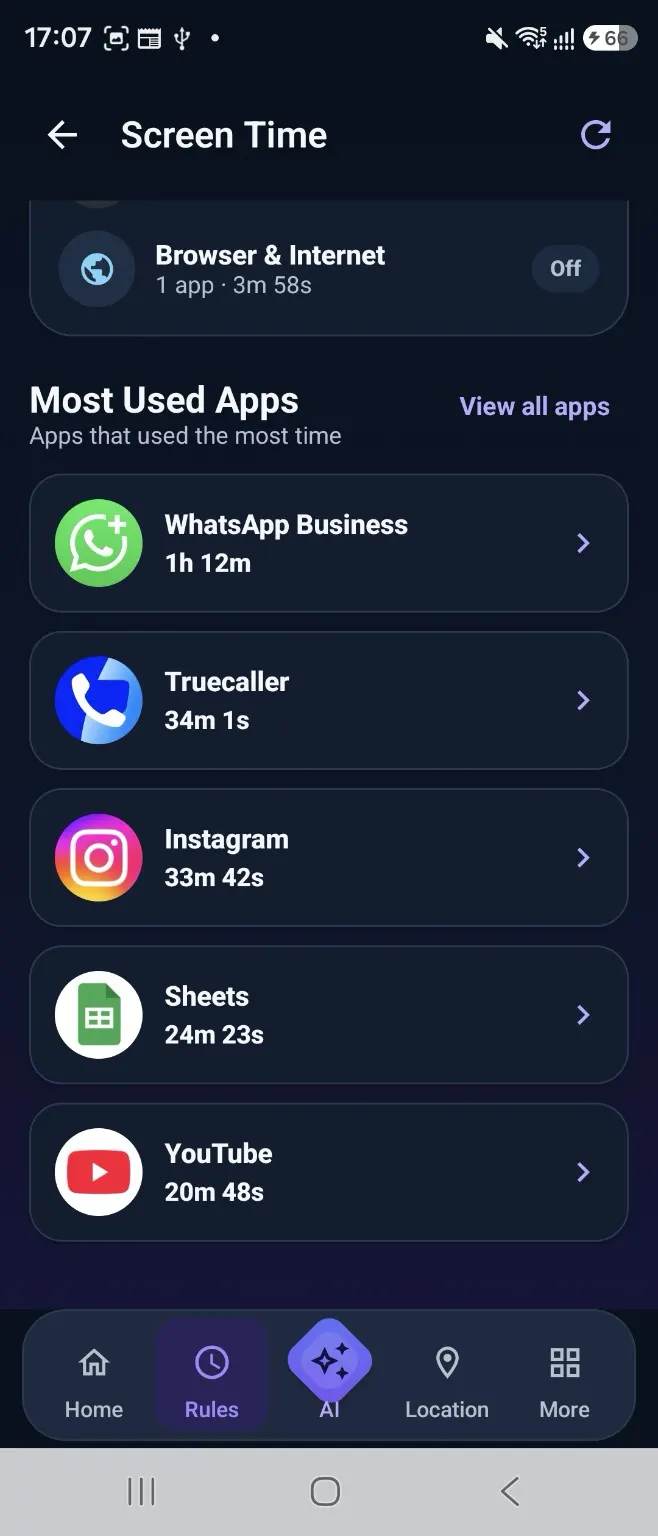
See how app and game rules are shaping screen time.
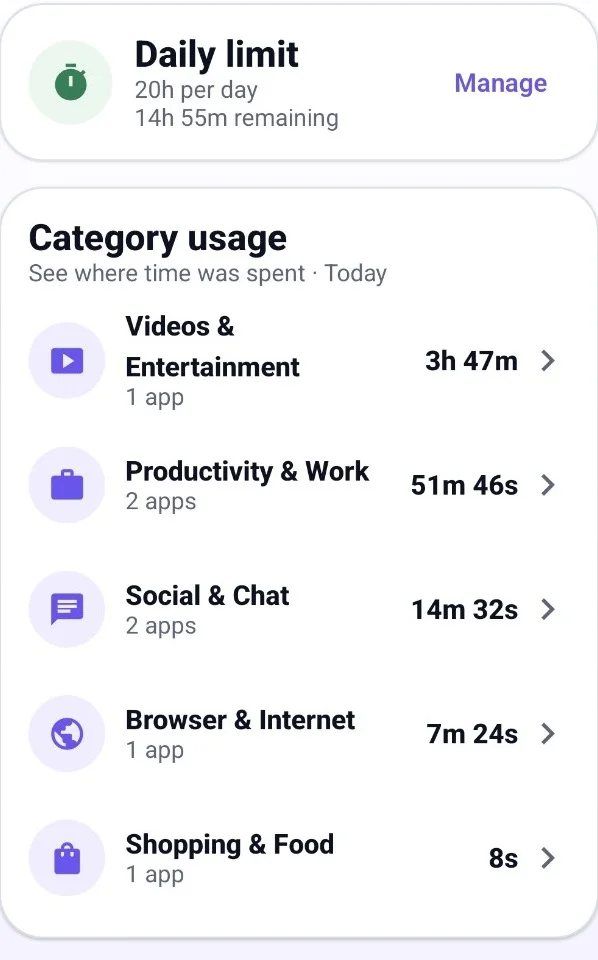
Setting rules is the first step. Understanding whether they are having the effect you intended is the second. Kiddar's Screen Time summaries show how app and category usage changes over time, so parents can adjust rules when habits shift — not just when something goes wrong.
- App and category Screen Time summaries
- Seven-day usage trends
- Context to review and update rules confidently
Connected to internet safety
App rules and internet safety work together.
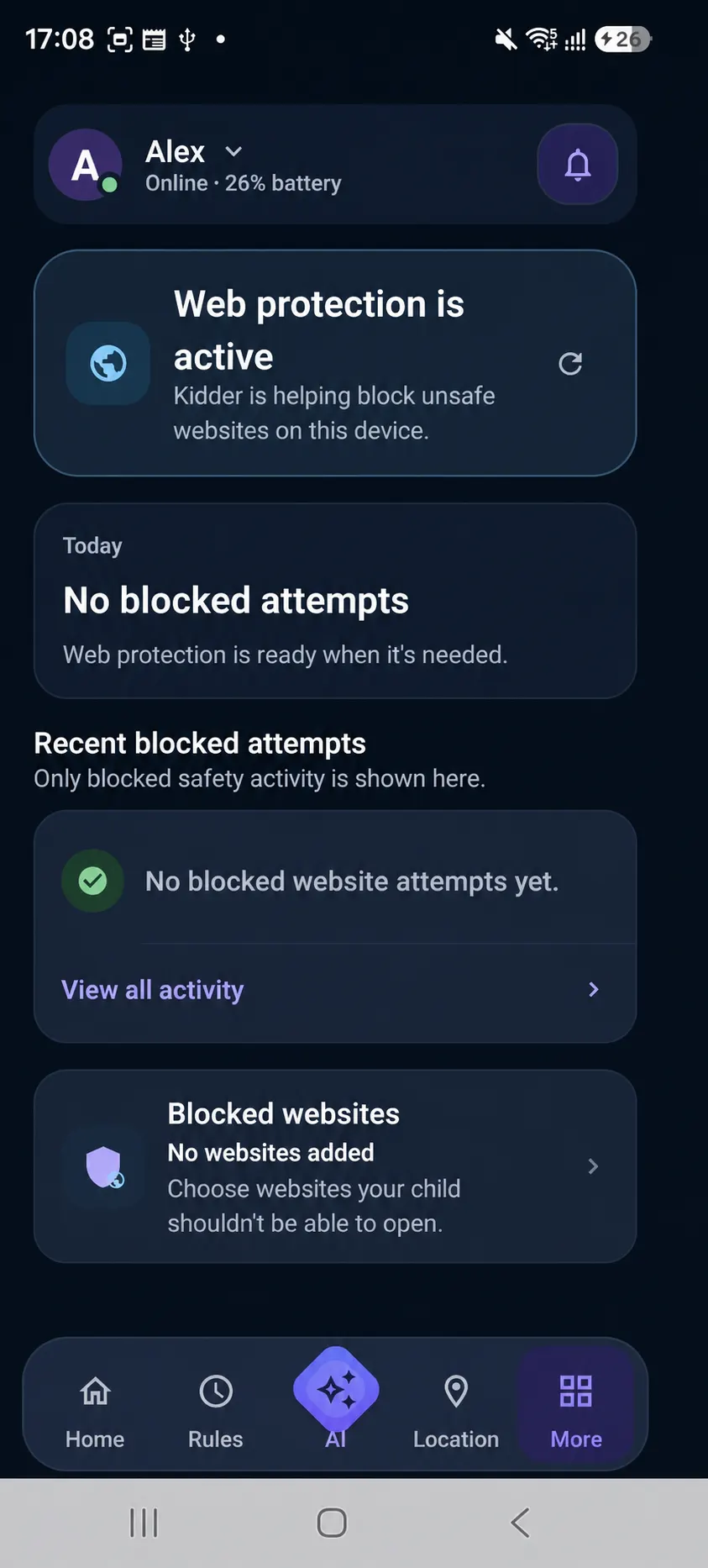
Many apps connect to the internet, and many games include social features, embedded browsers, or external links. App and game rules work alongside Kiddar's Internet Safety settings — so parents can shape both what apps are available and what those apps can access online.
- App rules apply alongside content filtering
- Social and in-app browser controls available
- One connected protection picture
Family overview
All children, all devices, one place.
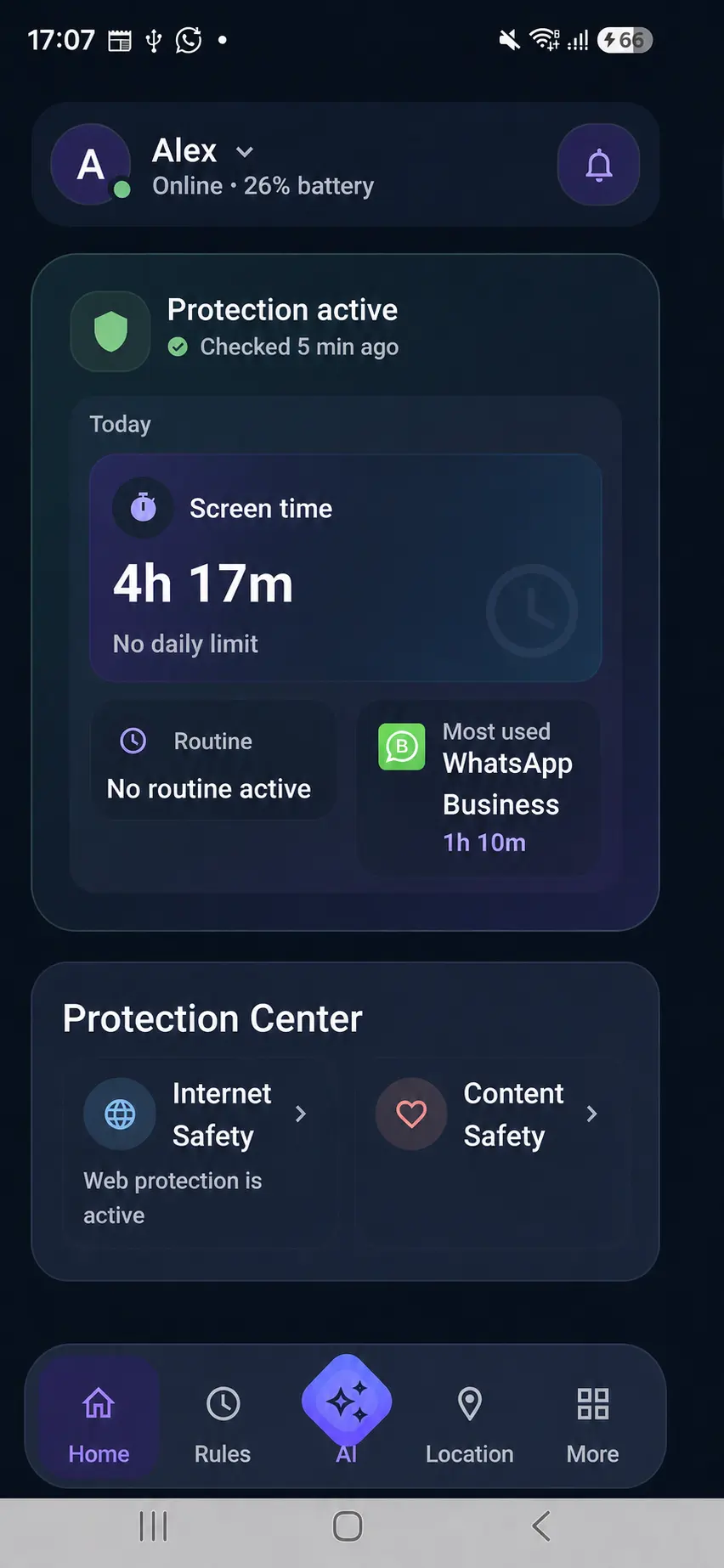
When you have more than one child, keeping track of different rules for different ages can quickly get complicated. Kiddar's family overview brings each child's current rules, routine status, and protection into a single parent view — so parents can review and adjust without opening each child's profile separately.
- Per-child rules and routine status at a glance
- Multi-device family picture
- Standard plan: up to 10 children and child devices
Trust and transparency
Rules children can understand, too.
Kiddar is designed so that children on a paired device can see which routine is active and what limitations apply — not every detail, but enough to understand what is happening. Clear expectations reduce friction, and rules that a child can see are easier to have conversations about.
Available on Android
App and Game Controls are available on the Free and Standard plans.
App and Game Controls are included in Standard — the complete family digital safety plan at $14.99/month or $149.99/year USD. Standard supports up to 10 children and 10 child devices. Standard includes a 7-day free trial; no payment is required to begin the trial.
Kiddar is available on Android via Google Play. App and Game Controls require a paired child device running a supported version of Android.
 Get Kiddar on Google Play